Public Sector / Government
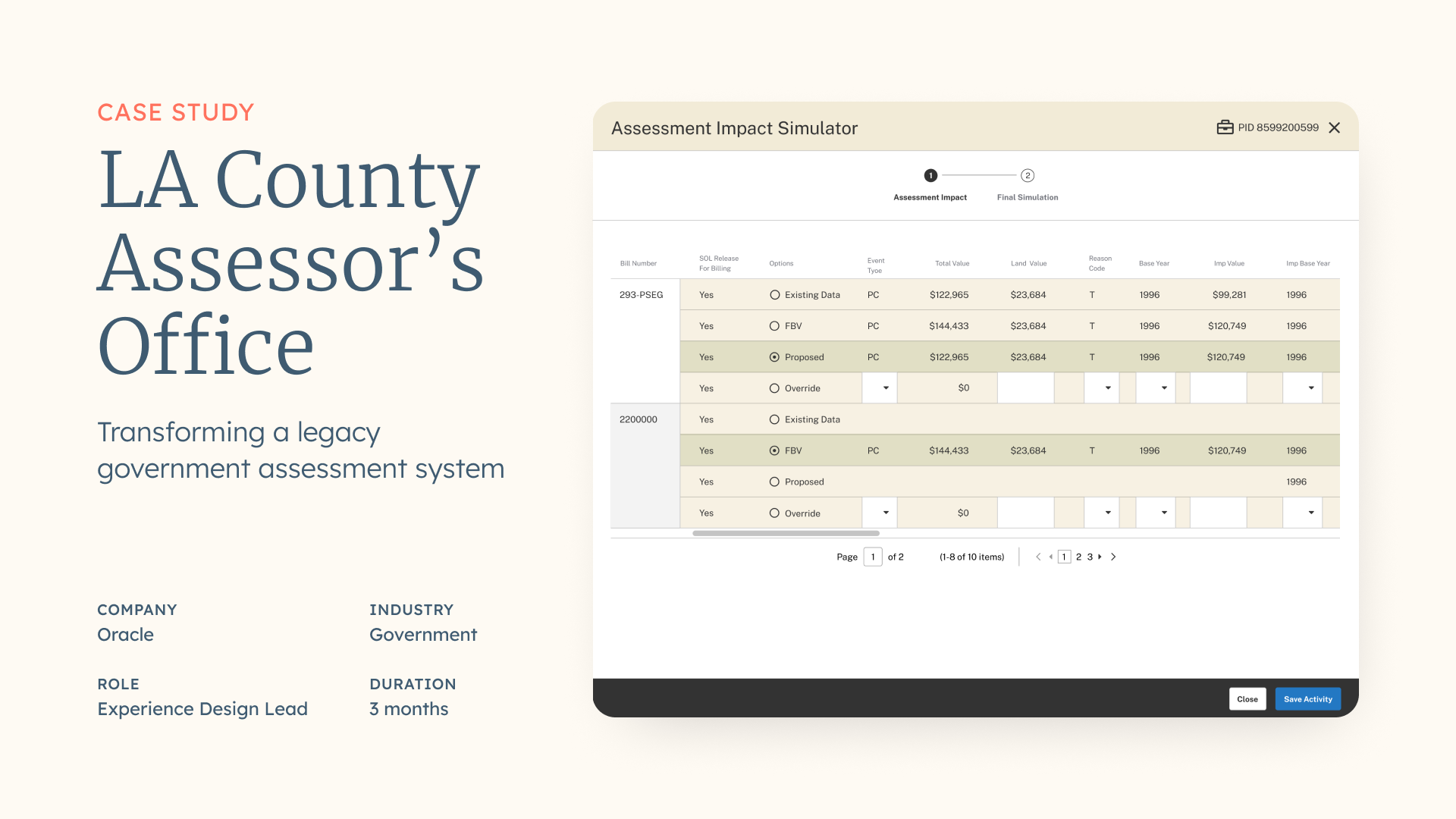
Transforming a legacy government assessment system

ROLE: UX Research, UX Design and Strategy, Product Design
METHODS: Stakeholder interviews, Contextual inquiry, Workflow analysis, Task analysis, UX research synthesis, Card sorting, Persona development, Journey mapping, Experience mapping, Design workshops, Solution mapping, Priority matrix, Wireframing, Prototyping, Usability testing, Iterative design, Design validation
TOOLS: Figma, InVision, Adobe Creative Suite, Miro
TEAM: Oracle NA UX Practice
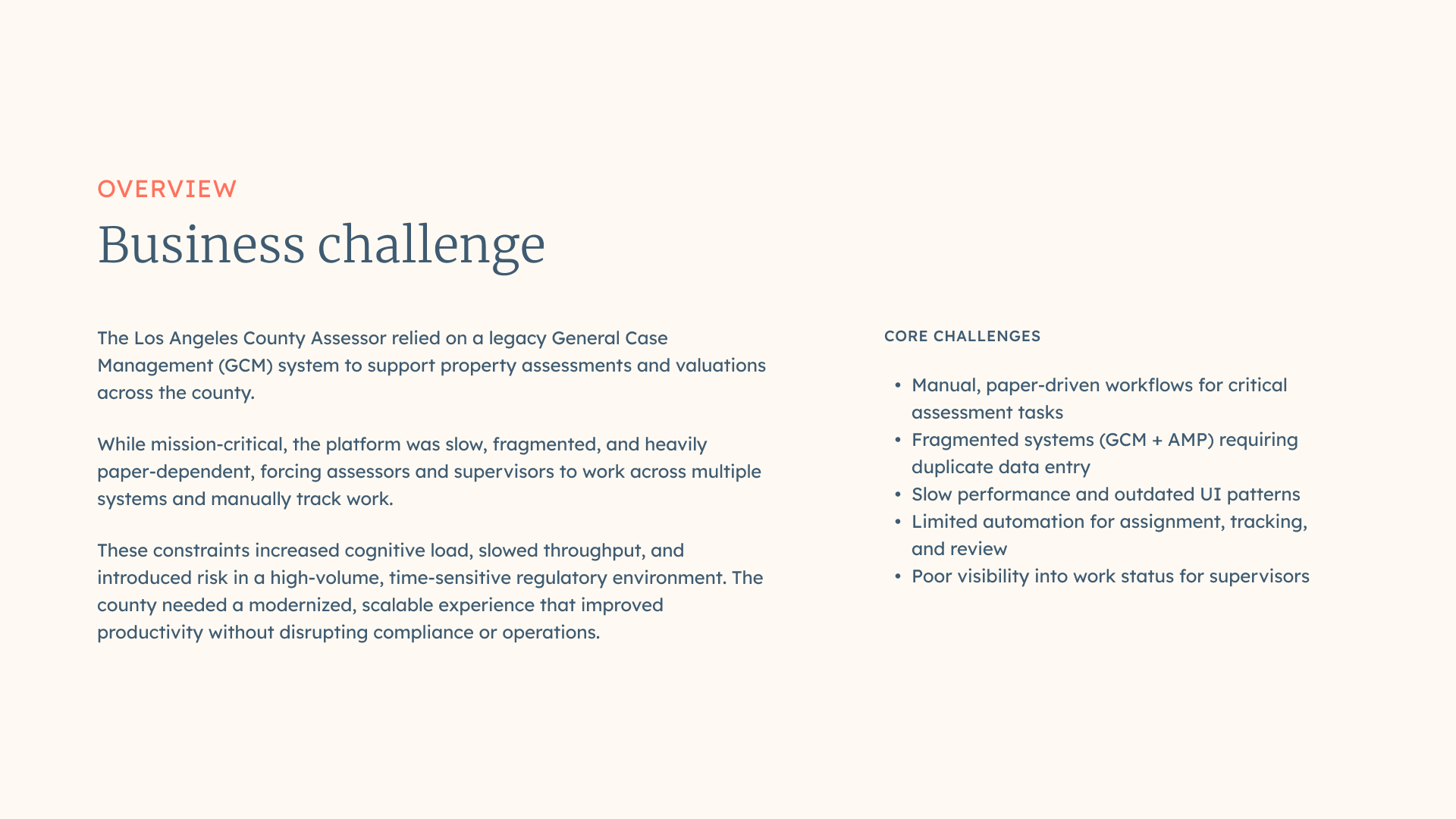
The Los Angeles County Assessor’s Office relied on a legacy General Case Management (GCM) system to manage property assessments and valuations. While mission-critical, the system was slow, fragmented, and heavily dependent on manual and paper-based workflows. Users were required to move between multiple systems (GCM and AMP), manually track work, and re-enter data, resulting in inefficiencies, frustration, and risk of error. The county needed a modernized, scalable solution that improved productivity while supporting strict regulatory and operational constraints.
Key challenges:
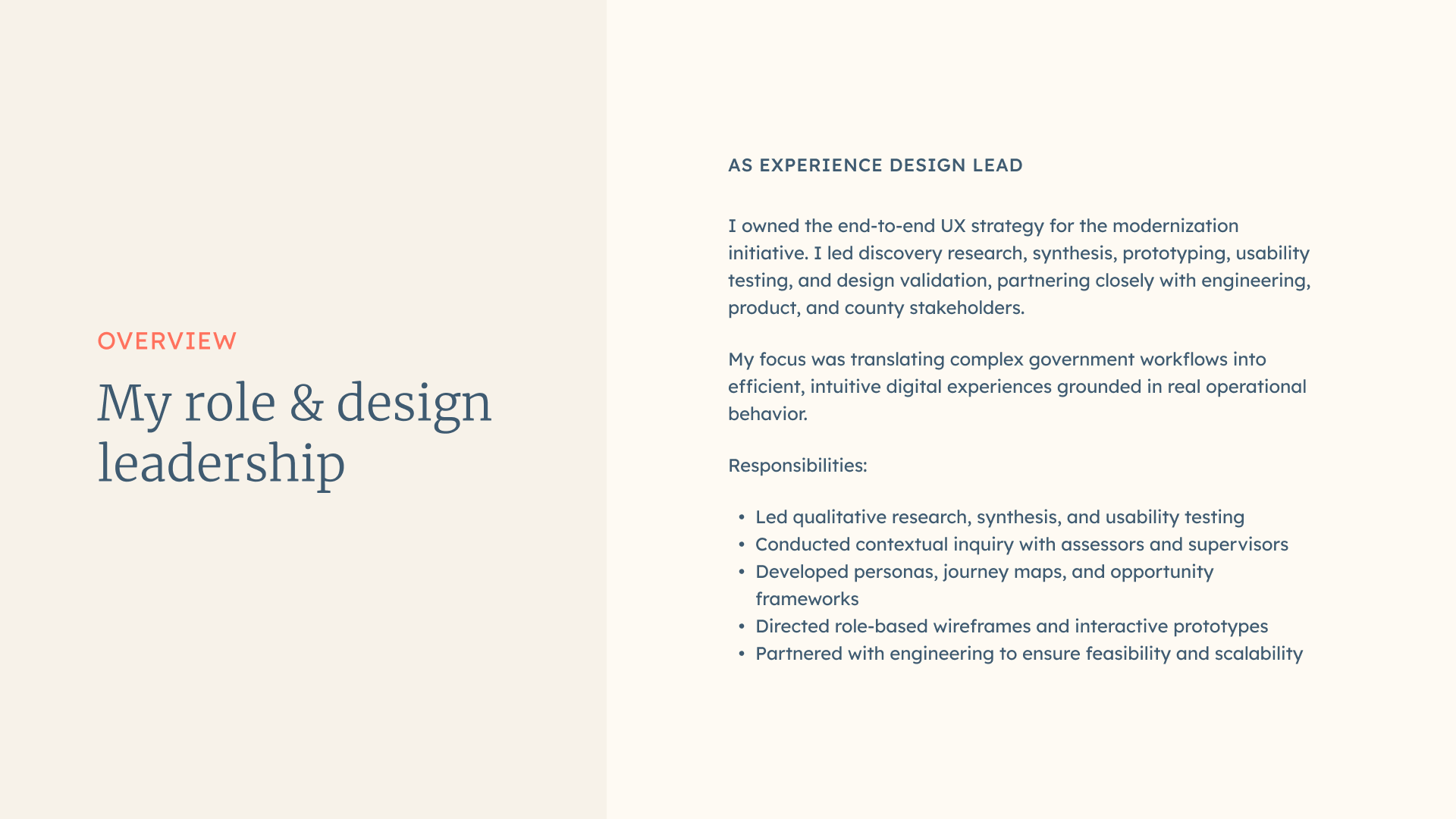
As Experience Design Lead at Oracle Consulting, I owned the end-to-end UX strategy for the LACA modernization initiative. I led discovery research, usability testing, and design validation while partnering closely with product, engineering, and client stakeholders. My role focused on translating complex government workflows into intuitive, efficient digital experiences grounded in real user behavior. Some of my responsibilities included:
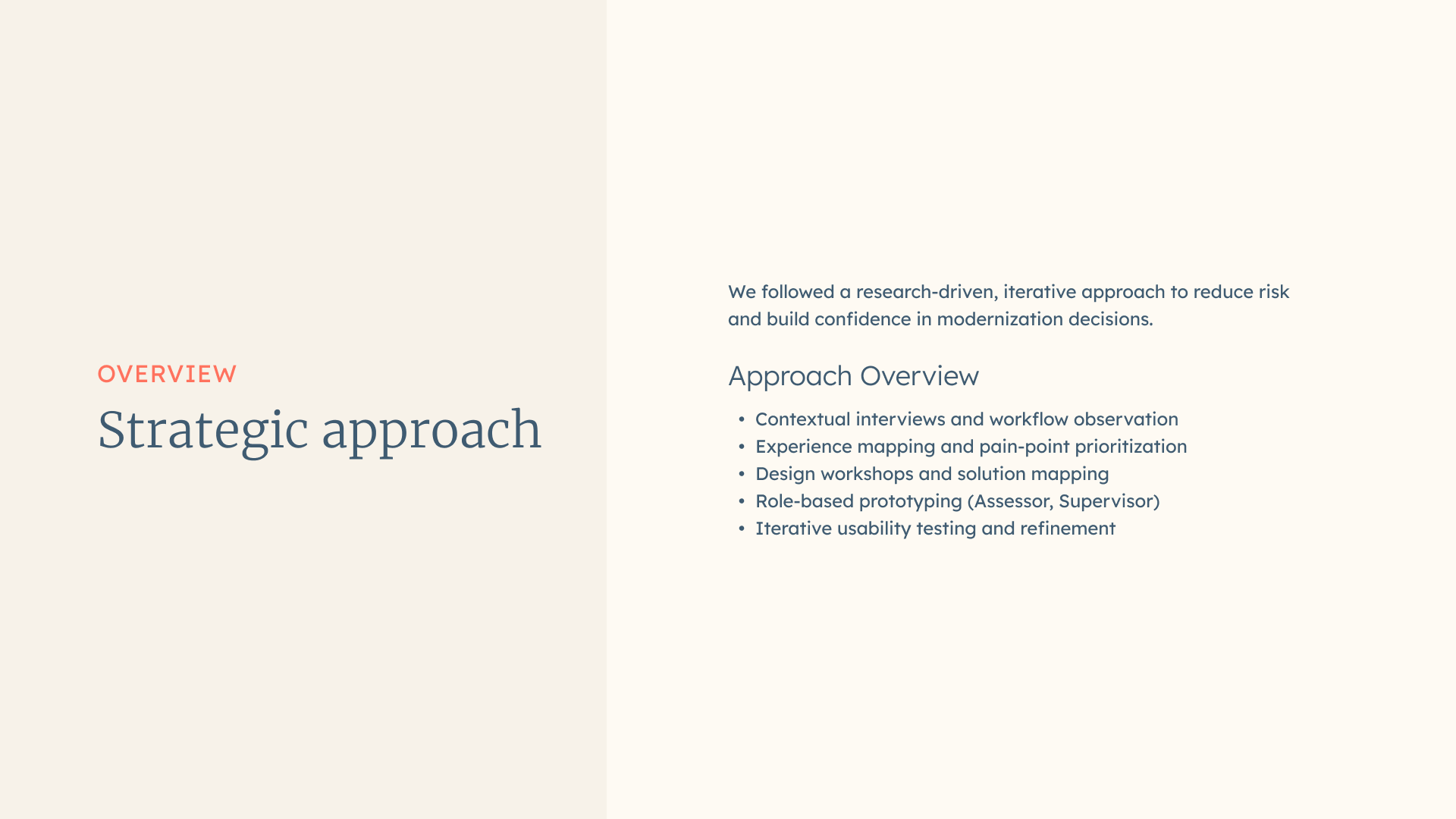
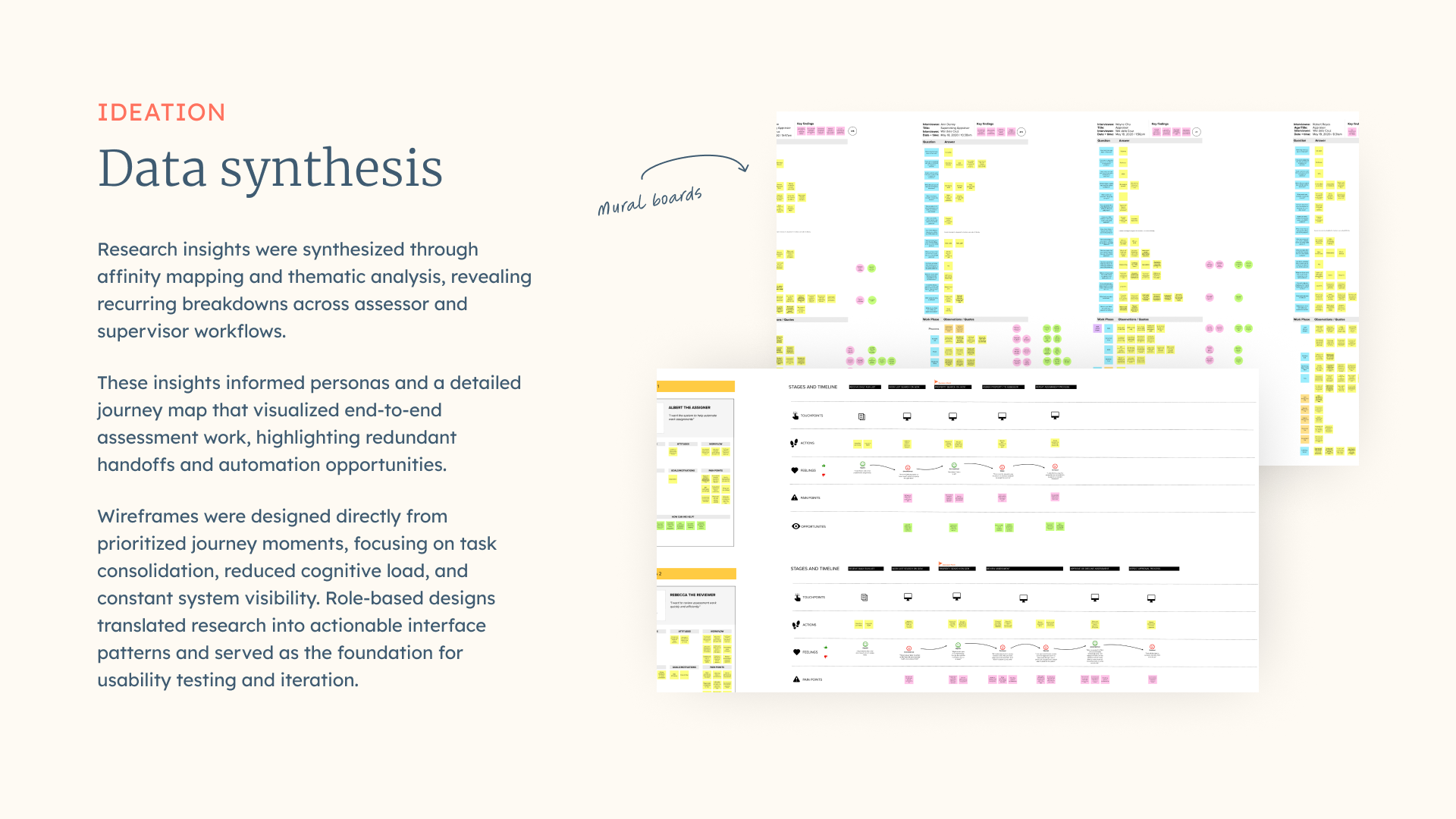
The project followed a research-driven, iterative approach designed to reduce risk and build confidence in modernization decisions. We began with deep discovery to understand real-world workflows, then moved into prioritization, prototyping, and validation through usability testing. Insights from testing directly informed design refinements and system recommendations, with the following approach:
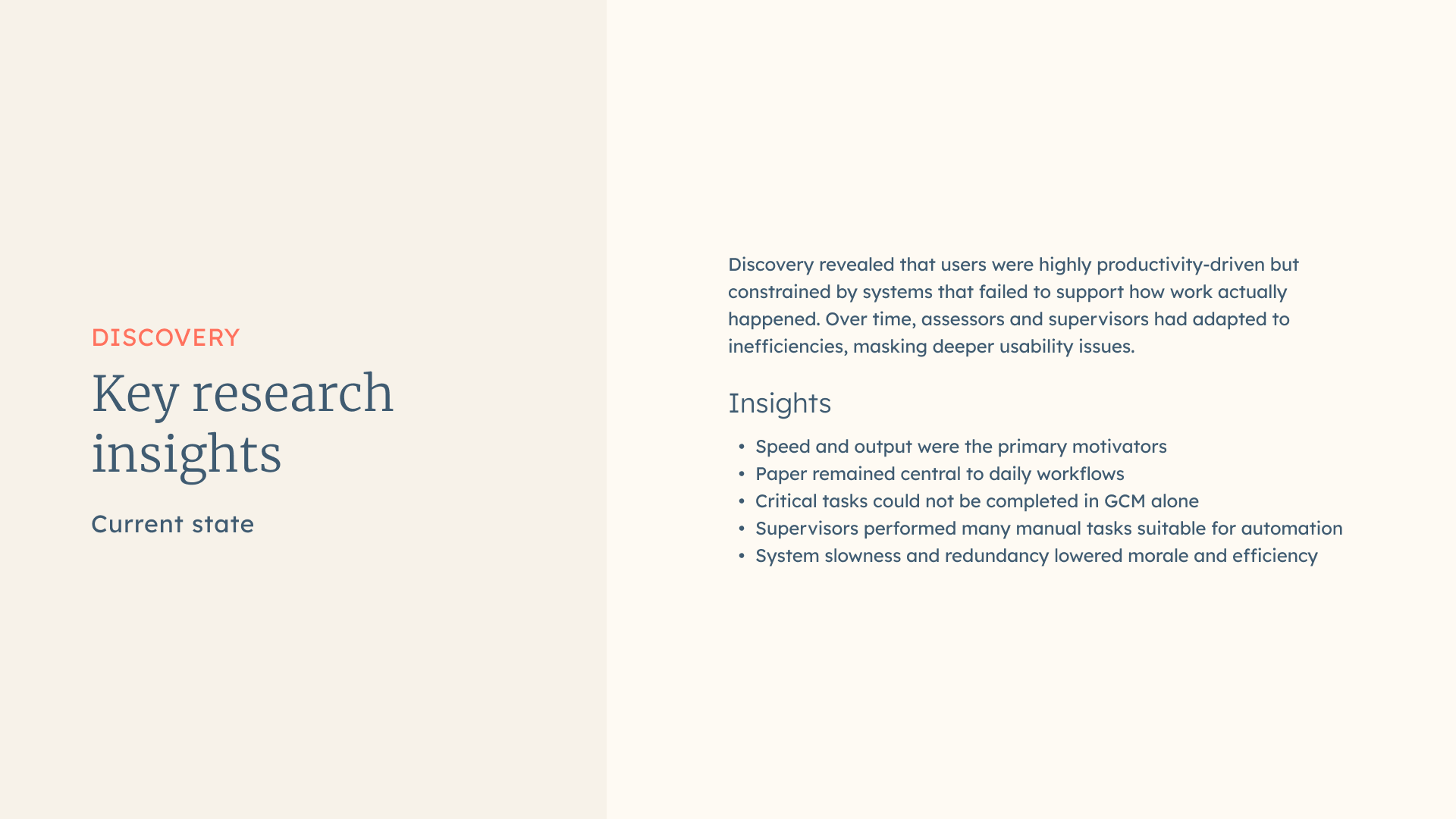
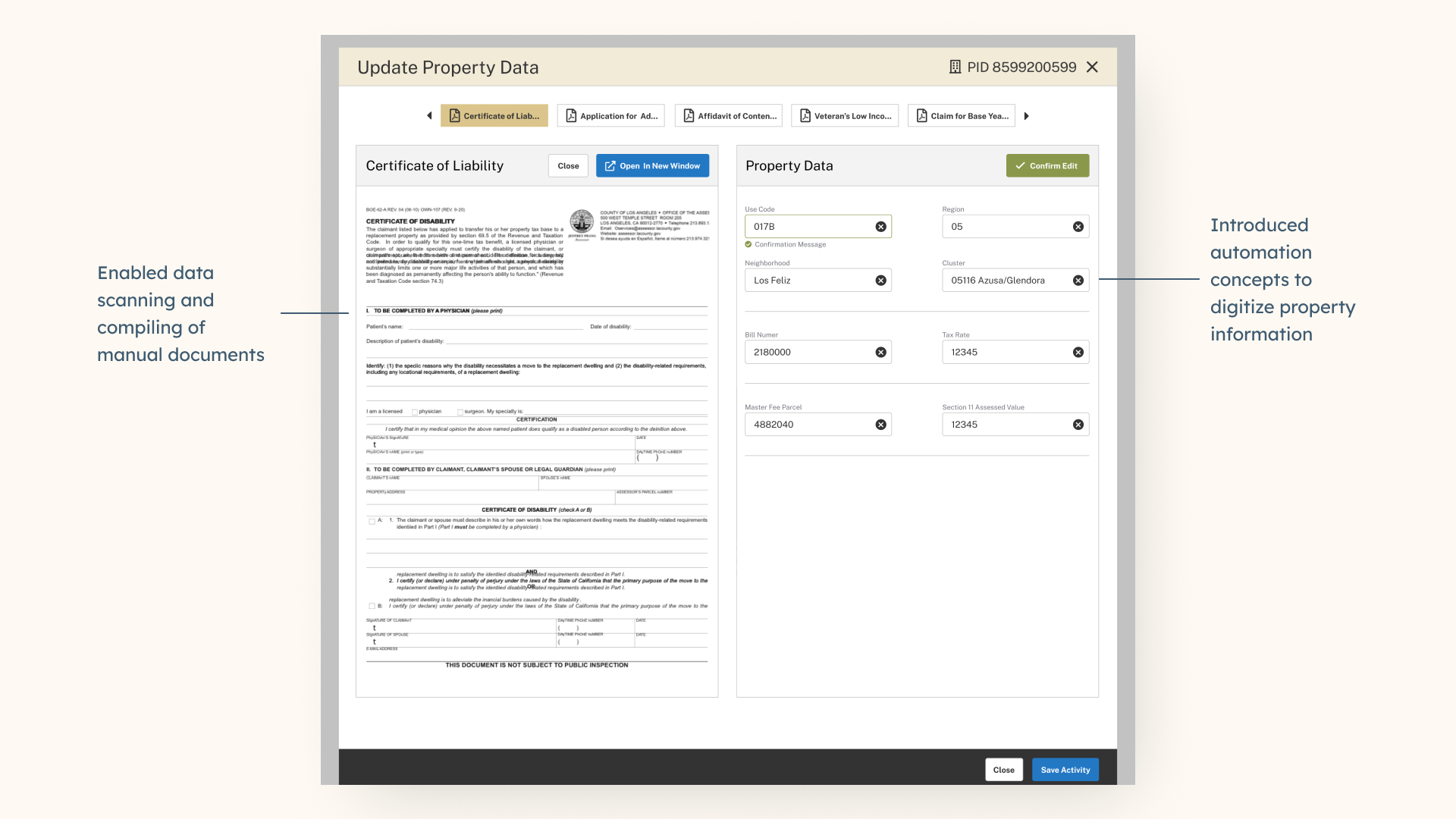
Initial research revealed that productivity pressures heavily shaped user behavior. Assessors and supervisors were motivated by speed and output but were slowed by manual processes, fragmented systems, and UI clutter. Many users had adapted to inefficiencies rather than expecting the system to support them, masking deeper usability issues. Some insights collected:
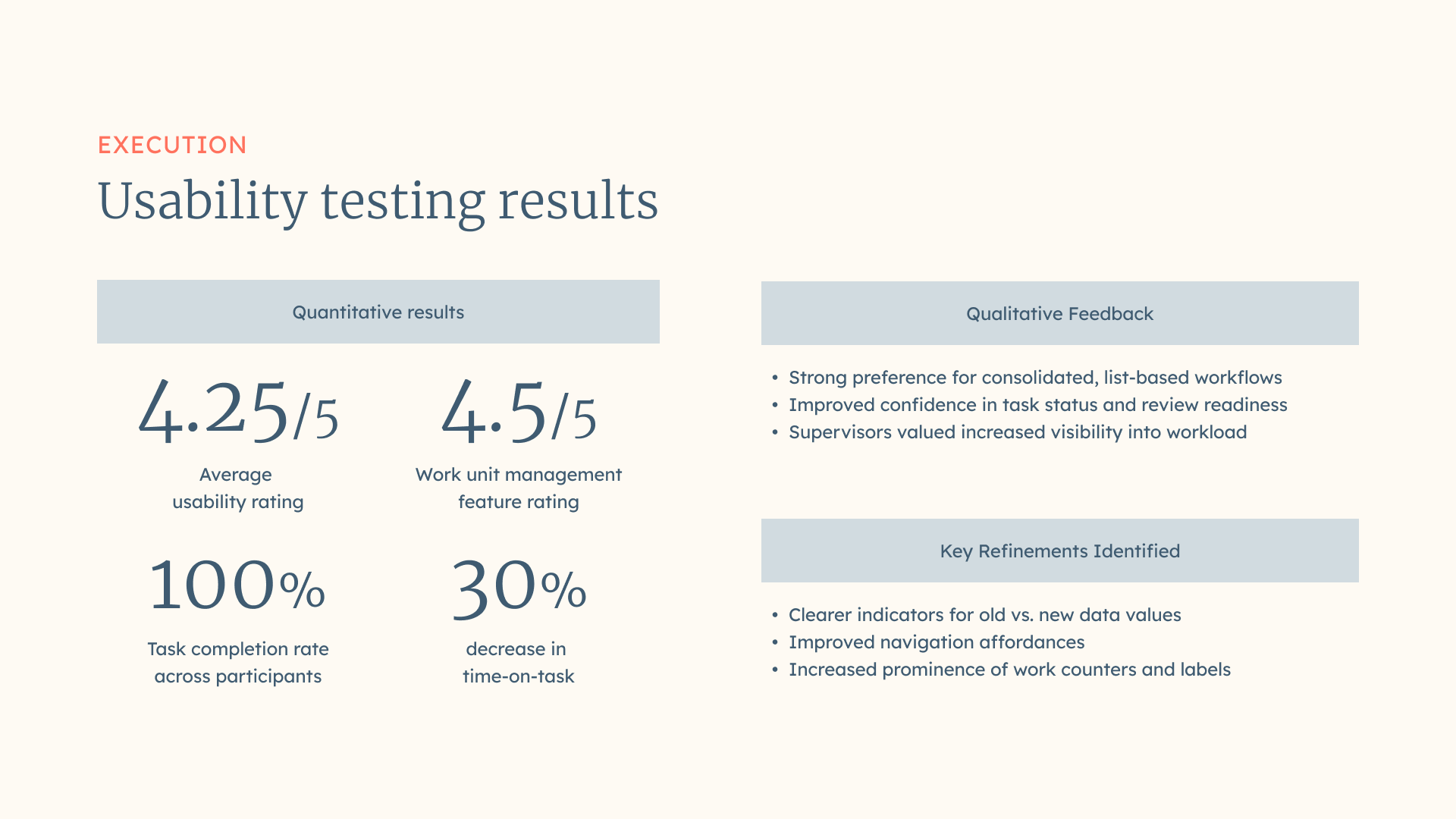
Usability testing validated that the redesigned experience significantly improved clarity, efficiency, and confidence. Participants responded positively to the cleaner interface, consolidated workflows, and improved visibility into work status. Testing also revealed targeted areas for refinement, such as clearer change indicators and navigation affordances.
Findings:
Key refinements identified:
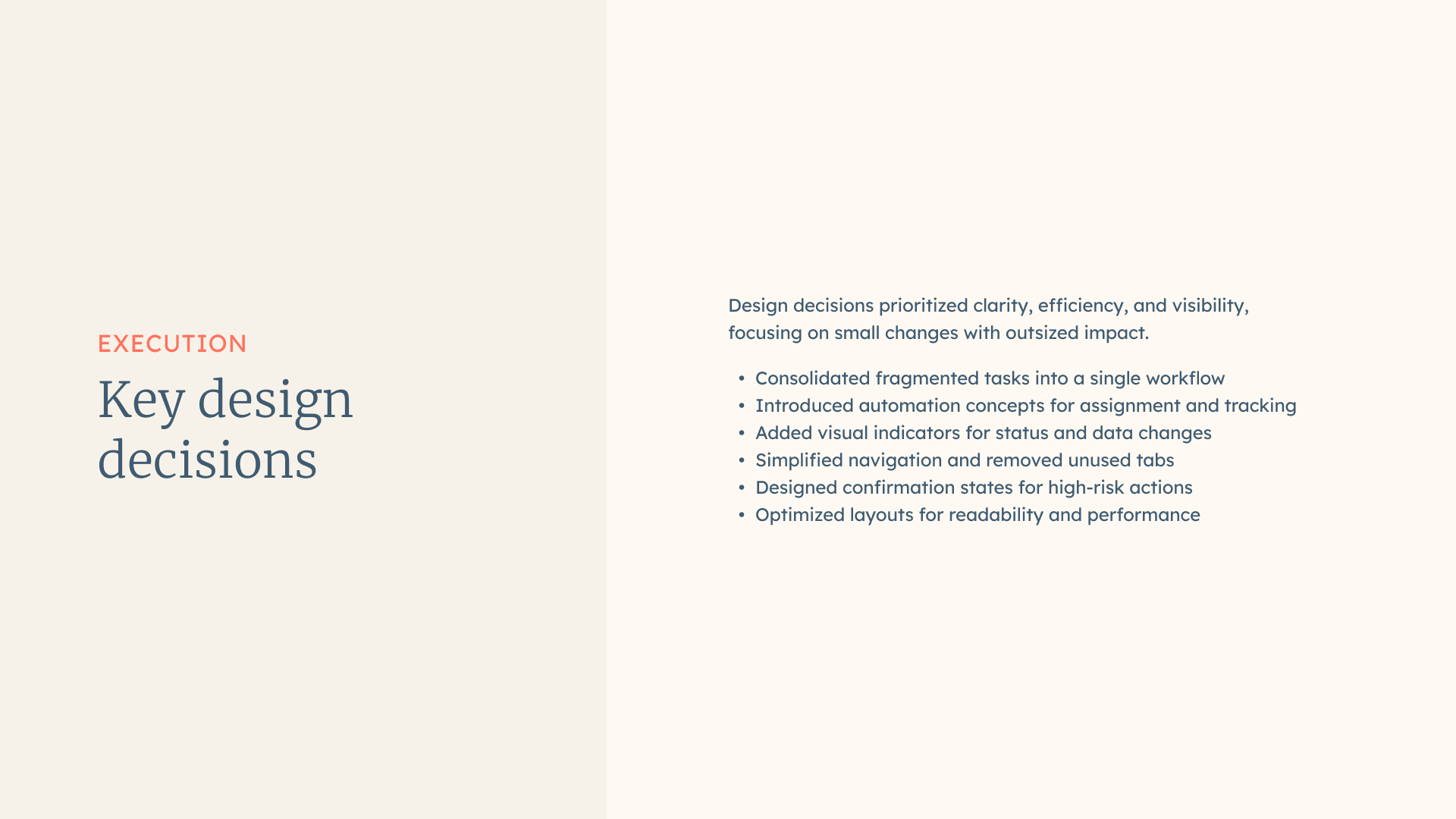
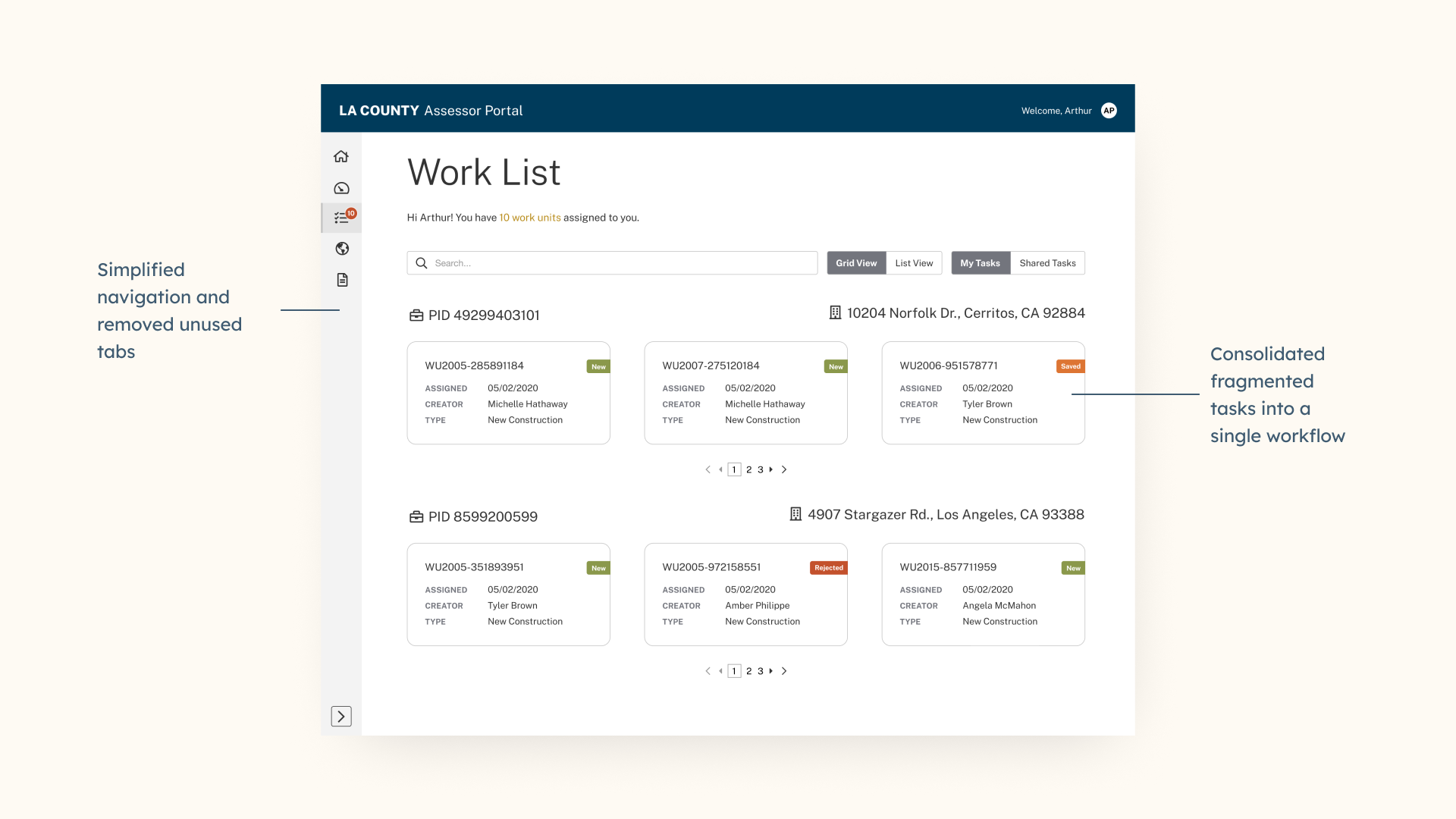
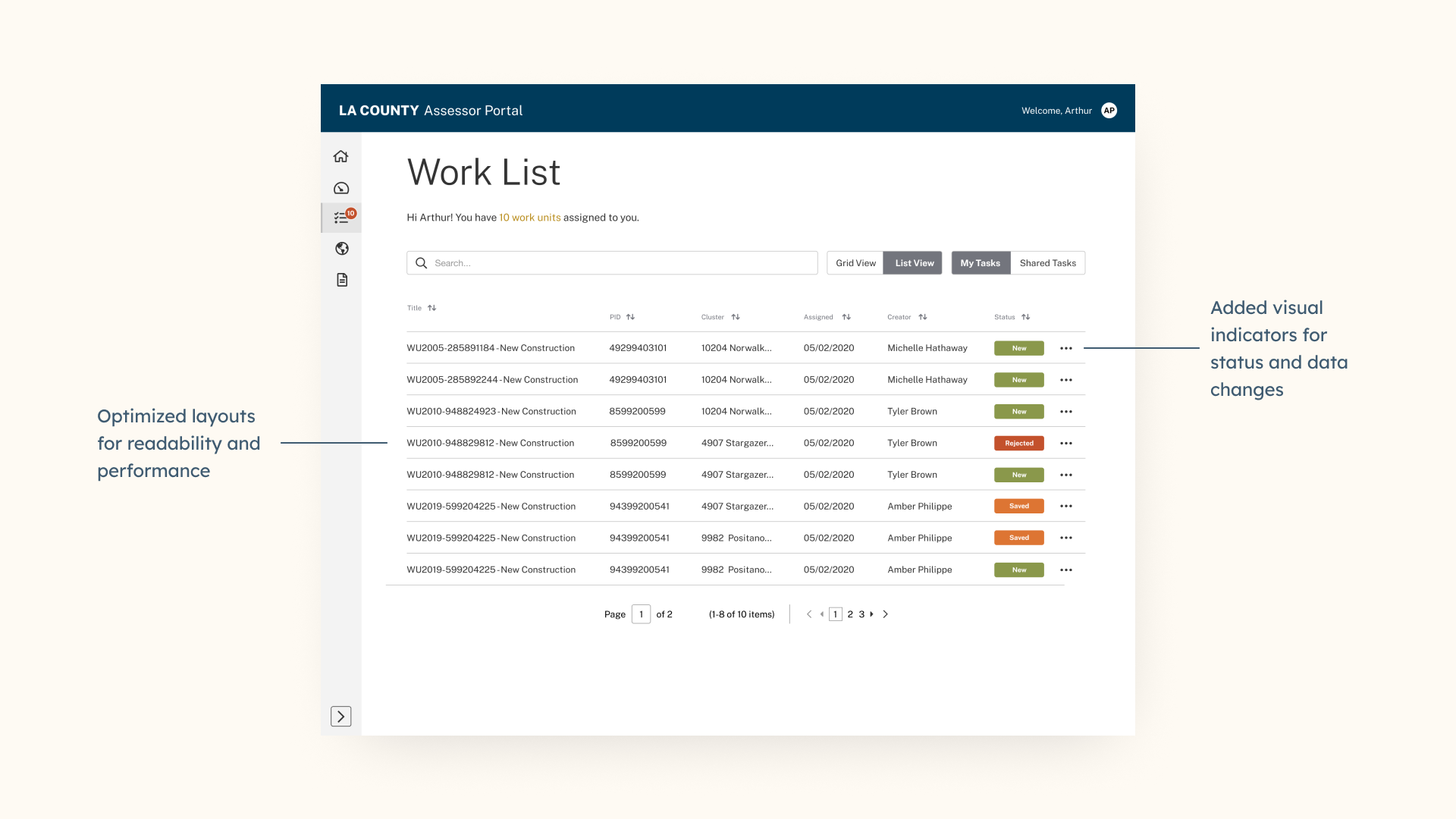
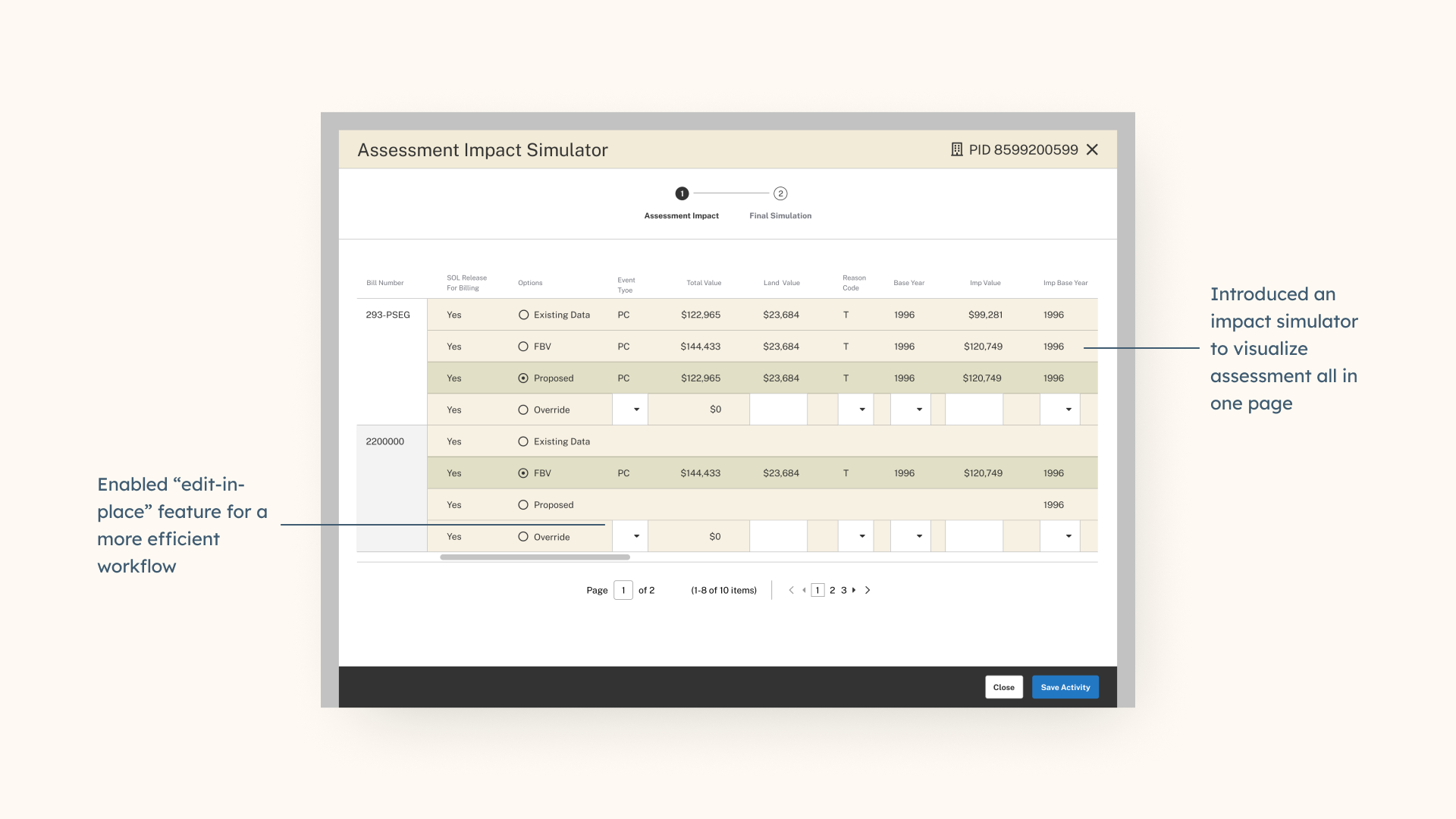
Design decisions were grounded in both discovery research and usability testing. The focus was on reducing cognitive load, eliminating redundant steps, and making system status visible at all times. Small UI changes were intentionally prioritized when they delivered outsized gains in speed and clarity:
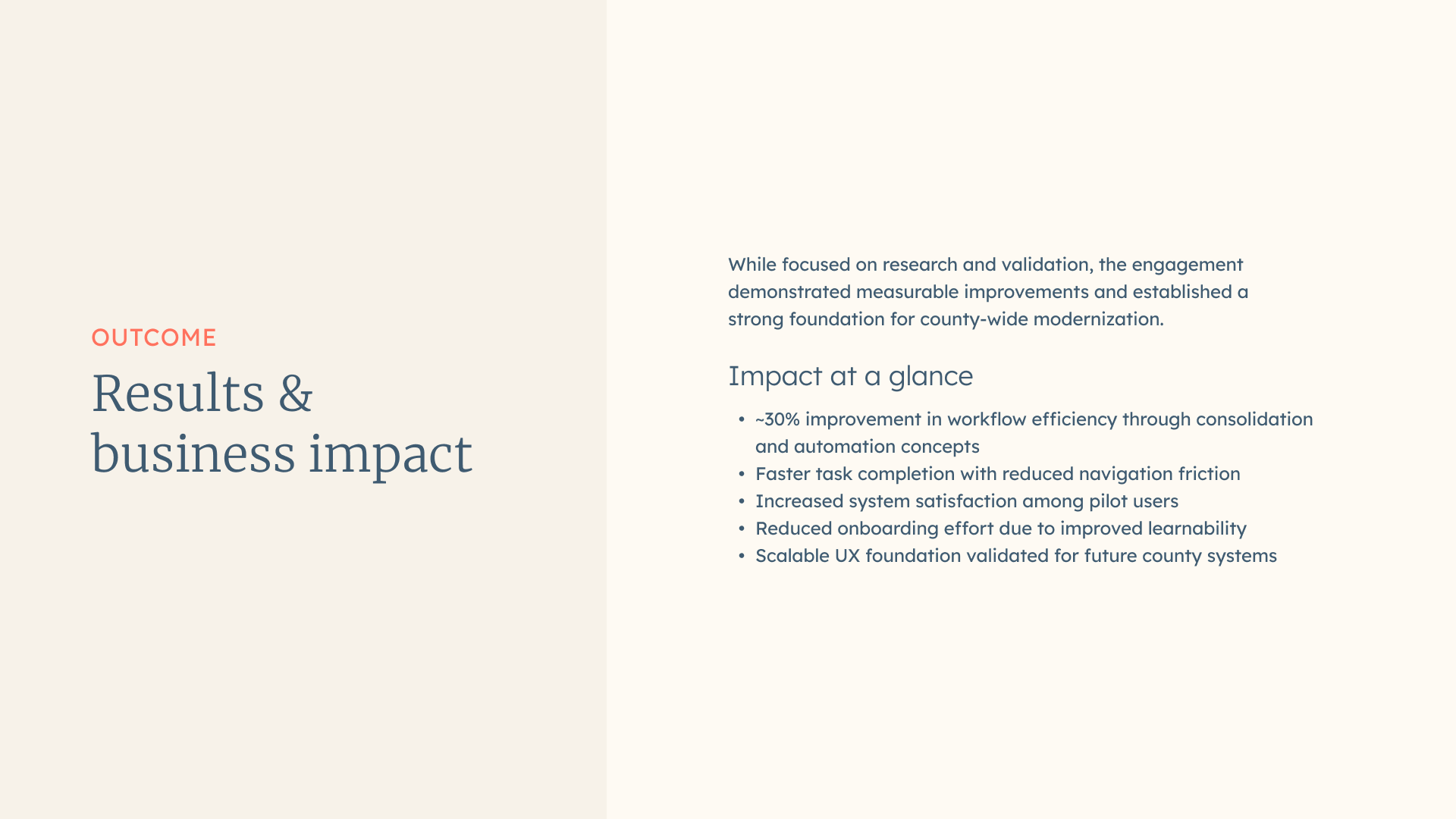
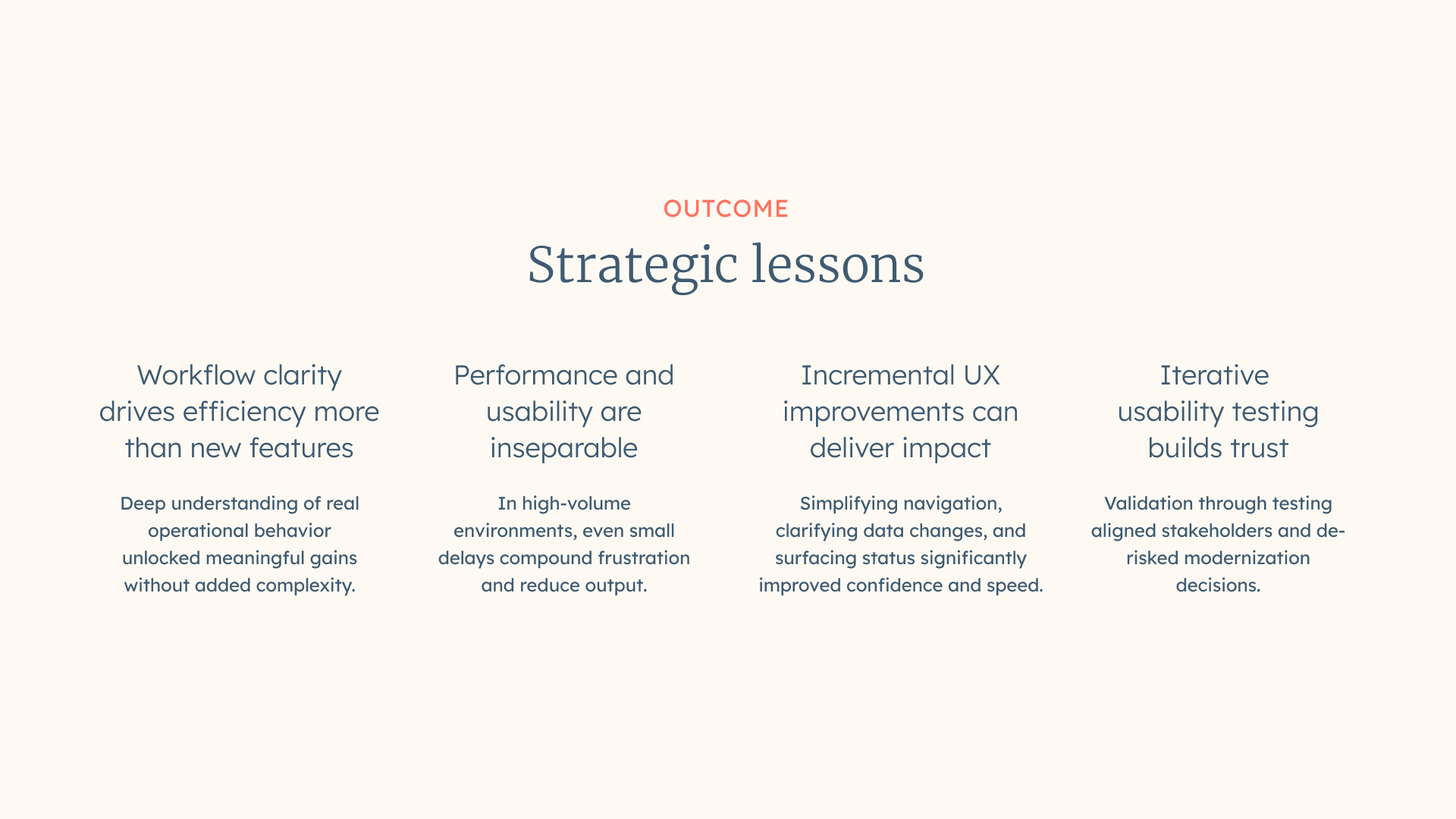
While the engagement focused on research and design validation, measurable improvements were demonstrated through testing and pilot feedback. The redesigned experience established a strong foundation for county-wide modernization and future automation initiatives.